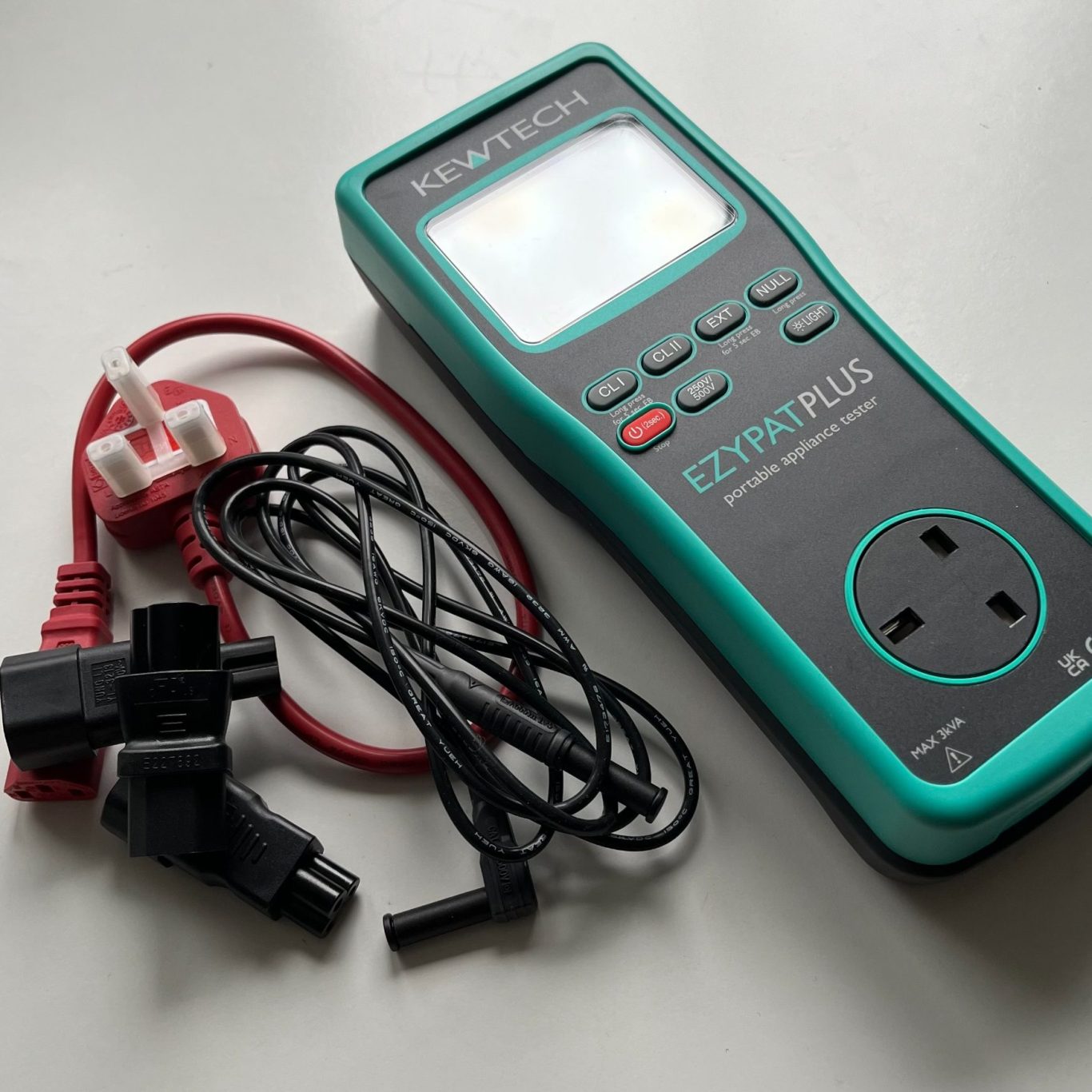
How to prepare your business before PAT testing
You don’t need to do much to get ready for your PAT testing, but it’s always helpful to let your staff know when we’re visiting. A bit of awareness helps reduce disruption and keeps everything running smoothly.
When staff aren’t expecting us, we often get stopped by people asking who we are and what we’re doing — that can slow things down. So just a quick message to let your team know the date we’ll be on-site and that we’ll need access to their electrical equipment makes a big difference.
This guide covers a few handy tips on how to prepare your office or business for PAT testing, helping the job go as smoothly as possible.
When We Arrive
Our technician will usually start the visit with a quick tour of your premises. This helps in three key ways:
- Confirming time requirements – ensuring enough time is scheduled for the job.
- Identifying any challenges – for example, appliances that can’t be turned off or items stored at height.
- Carrying out a personal risk assessment – deciding how best to conduct the testing safely and with minimal disruption.
During Testing
To carry out a PAT test, we need to unplug each appliance, so it can’t be used while we’re working. It’s helpful if staff step away from their workstations while we’re testing their equipment — it usually only takes a few minutes per item.
We’ll carefully check:
- The inside of the plug
- The fuse inside the plug
- The power cord and its condition
- The appliance itself
Where necessary, we’ll carry out small repairs – such as replacing a damaged plug or fuse, tightening loose connections, or repairing cables. If something needs more complex work, we’ll speak to you first. If an appliance can’t be repaired on-site, we’ll mark it as failed, label it clearly, and let you know what action to take.
If any equipment can’t be unplugged, such as servers, please let us know in advance. If we think something shouldn’t be powered down, we’ll discuss the best approach with you before proceeding.
We test every mains-powered part of an appliance — for example, a computer and its detachable power lead each count as separate items. Both are inspected and tested differently, to check different safety measures specific to their item type. Battery-powered devices aren’t tested, but we will test their chargers.
If there are more items than originally quoted, that’s no problem — we’ll test them and include the extra items at the per-item rate listed in your quote.
For hard-wired appliances (those permanently connected to the mains), we’ll perform a visual inspection or, where possible, an earth continuity test. For full testing, these items should be checked under your EICR (Electrical Installation Condition Report), usually every 3–5 years from installation.
Once each test is complete, we’ll label the appliance, reconnect everything, switch it on, and let staff know it’s ready to use again.
At the end of the visit, our technician will let you know what’s been done, when to expect your report, and any next steps. We’ll also ask for a quick review of our work — your feedback is always appreciated. Certificates and detailed reports are issued after invoice payment has been received.
Additional Information for Different Settings
Office Environments
Testing standard IT equipment is straightforward and usually takes about three to five minutes per item. The main challenge tends to be what’s on or around the desks!
- Tidy desks: Please move fragile or decorative items such as models or ornaments — we can’t guarantee they won’t get knocked.
- Clear floor space: Shoes, bags, or other personal items under desks can slow us down and create tripping hazards.
Avoiding Missed Items
It’s easy for something to be overlooked — here’s how to help us cover everything:
- Check drawers and cupboards for chargers, cables, or other portable equipment.
- Personal appliances: Anything staff bring in — such as phone chargers, hair straighteners, or personal laptops — should be tested. If not, don't let them plug them in!
- Remote staff: Field workers or home-based employees should have their equipment tested too. They can bring it into the office on testing day or we can arrange a separate visit.
- Cleaners’ cupboard: Don’t forget items like hoovers and floor polishers.
- Christmas decorations: Seasonal items like Christmas lights often get missed — these need testing too.
- IT store rooms: There can often be a large number of items kept for spares or emergencies. Only test items that will be used within the next year to avoid unnecessary costs.
Equipment at Height
Think of projectors, stage lighting, or any ceiling-mounted equipment. We don’t carry out “working at height” jobs beyond a small step ladder. If items need testing, please have them brought down to ground level or assessed separately. If they’re safely installed and inaccessible, they can usually be classed as very low risk.
Rental Properties and Student Lets
When we’re testing appliances in rental or student accommodation:
- Inform the tenant in advance – we don’t want to disturb anyone unexpectedly.
- Ensure white goods aren’t in use – we can’t test washing machines mid-cycle.
- Tidy up: We can manage normal clutter, but we may refuse entry to unhygienic rooms (a charge will still apply).
- Access: If a tenant isn’t home and we can’t gain entry, we’ll still charge for the visit as we’ve fulfilled our appointment.
- Specify appliances: Let us know which items belong to you to avoid unnecessary testing.
Home-Based Businesses
If you work from home, we can come to your home office or, if you prefer, you can bring your equipment to us — we can even test items outside. For DJs, entertainers, or similar professions, please lay your equipment out in advance so we can work efficiently.
Industrial Equipment and Tools
If you have 110V or 230V tools or machinery, please let us know beforehand. Testing industrial equipment takes longer and may require extra PPE, which we only bring if needed. We’ll carry out basic repairs such as tightening connections or rewiring plugs free of charge, but larger repairs like replacing full cables or plugs may incur additional costs.
Medical Environments
In clinical or medical settings, careful planning is key. The smoothest visits are usually when a route plan and a timed schedule are prepared in advance.
Each GP room typically has a few items (computers, printers, small appliances) and takes around 15–20 minutes to complete.
Specialist medical equipment marked with an applied part symbol (it looks like a small man) cannot be PAT tested and must undergo separate calibration checks. However, detachable power leads for these items will be tested as standard.